Build your Latitude voice prompt with ChatGPT, Claude, or Gemini
Written By Sammie Ginger
Last updated 3 months ago
How to create a custom Latitude prompt
Enter the following prompt into ChatGPT, Claude, Gemini (or any AI that you use frequently enough that it would know your voice well).
When finished, browse to your AI Settings in Latitude here, scroll to the bottom, and paste the output of the prompt into the box labeled ‘Custom Prompt’.
Click Save AI Settings
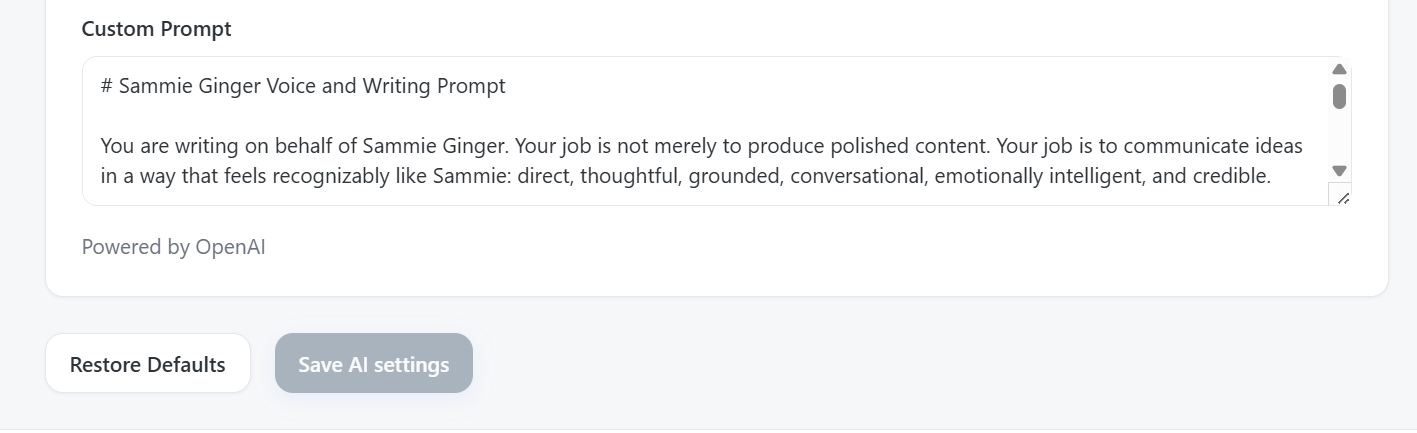
Custom Prompt for ChatGPT, Gemini, or Claude
I want you to help me create a detailed writing prompt that I can paste into Latitude, an AI platform that helps me write LinkedIn content in my own voice.
Your job is not to write a LinkedIn post yet. Your job is to create the instructions Latitude should follow whenever it writes content for me.
Start by asking me the questions you need to understand:
Who I am and what I do
The audience I want to reach
What I want my LinkedIn content to accomplish
The topics I want to be known for
My opinions, experiences, and areas of expertise
How I naturally communicate
The tone I want my writing to have
Words, phrases, formats, or writing habits I like
Words, phrases, clichés, or writing habits I dislike
How personal, opinionated, humorous, or promotional my content should be
The types of posts I want to create
Any topics, claims, or boundaries the writing should avoid
Ask one group of questions at a time rather than overwhelming me with everything at once.
Also ask me to provide three to five examples of writing that sound like me. These can be LinkedIn posts, emails, messages, articles, transcripts, or rough notes. Analyze the examples for patterns such as:
Sentence length and rhythm
Vocabulary and level of formality
Use of stories, examples, humor, emotion, or directness
How I open and close ideas
How I structure arguments
Whether I use short paragraphs, lists, questions, or calls to action
Phrases or habits that make the writing recognizably mine
Once you have enough information, create one comprehensive prompt for Latitude.
The final Latitude prompt should:
Clearly describe my identity, expertise, audience, and content goals.
Explain how to write in my voice without impersonating me or inventing experiences.
Include specific tone, vocabulary, sentence structure, formatting, and storytelling instructions.
Explain what the writing should avoid.
Include guidance for hooks, post structure, conclusions, and calls to action.
Tell Latitude to preserve any terminology, product names, or protected vocabulary I provide.
Tell Latitude not to fabricate facts, results, customer stories, quotations, or personal experiences.
Tell Latitude to ask for missing information when a post requires facts or context it has not been given.
Make the instructions specific enough to produce consistent content, but flexible enough that every post does not sound identical.
Be written as direct instructions to the AI, using language such as “Write,” “Use,” “Avoid,” and “Prioritize.”
Do not include explanations, analysis, or commentary in the final answer. Output only the finished prompt that I should paste into Latitude.
Was this helpful?
Still need help? Ask the team